

Easily connect your WelcomeScreen account with Airbnb to manage your properties effortlessly. Follow these simple steps to sync both platforms and streamline your property management for smoother, more efficient operations.
Step 1: Sign up for WelcomeScreen account, If you have already registered, login in to your account.
Step 2: After signing up/logging in, you will be asked to Set up your account. You will have two options.You can click on the “PMS Integration page” link shown in the highlighted section. This will redirect you to the PMS integration section, where you can automatically sync and import your listing details.

If you are not using a PMS, you can add a listing manually by entering the listing name under the listing column and then the listing address. Once done, click on “+ Add Listing”, and your listing will be added successfully.

Step 3: Navigate to the PMS Integration tab in your WelcomeScreen dashboard.
Under Connect to Airbnb directly, click Connect to begin the integration process.
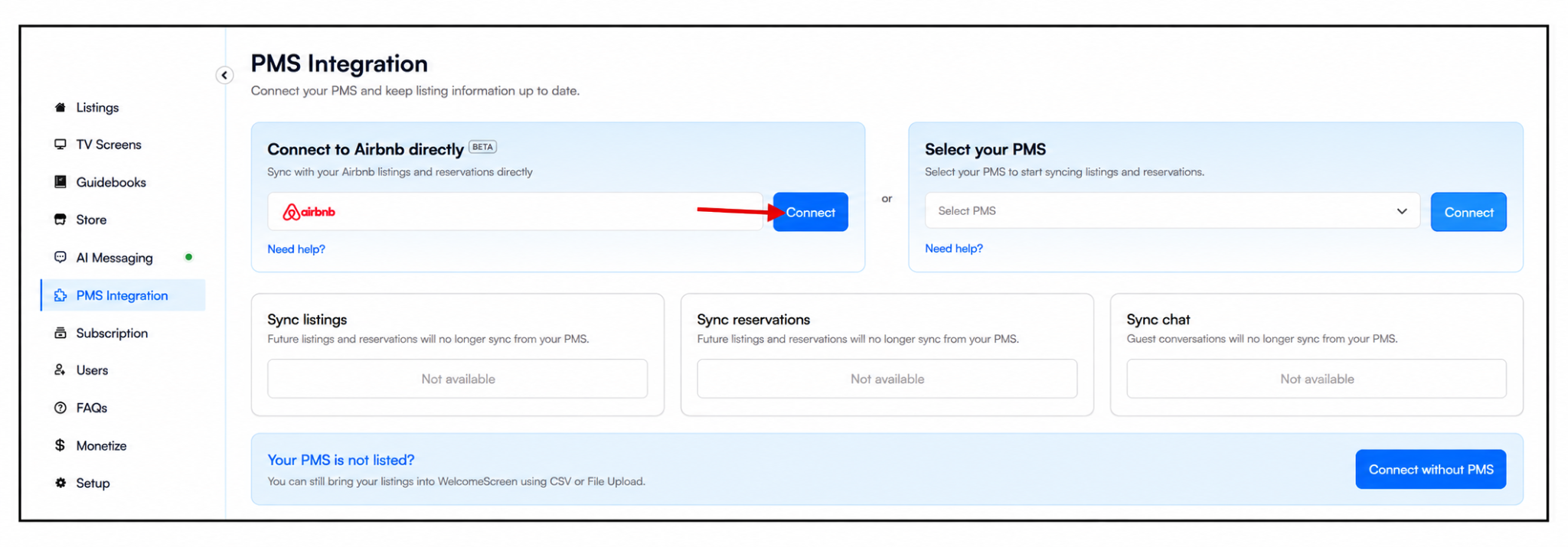
Note: The Airbnb connection for WelcomeScreen is facilitated through Hospitable.
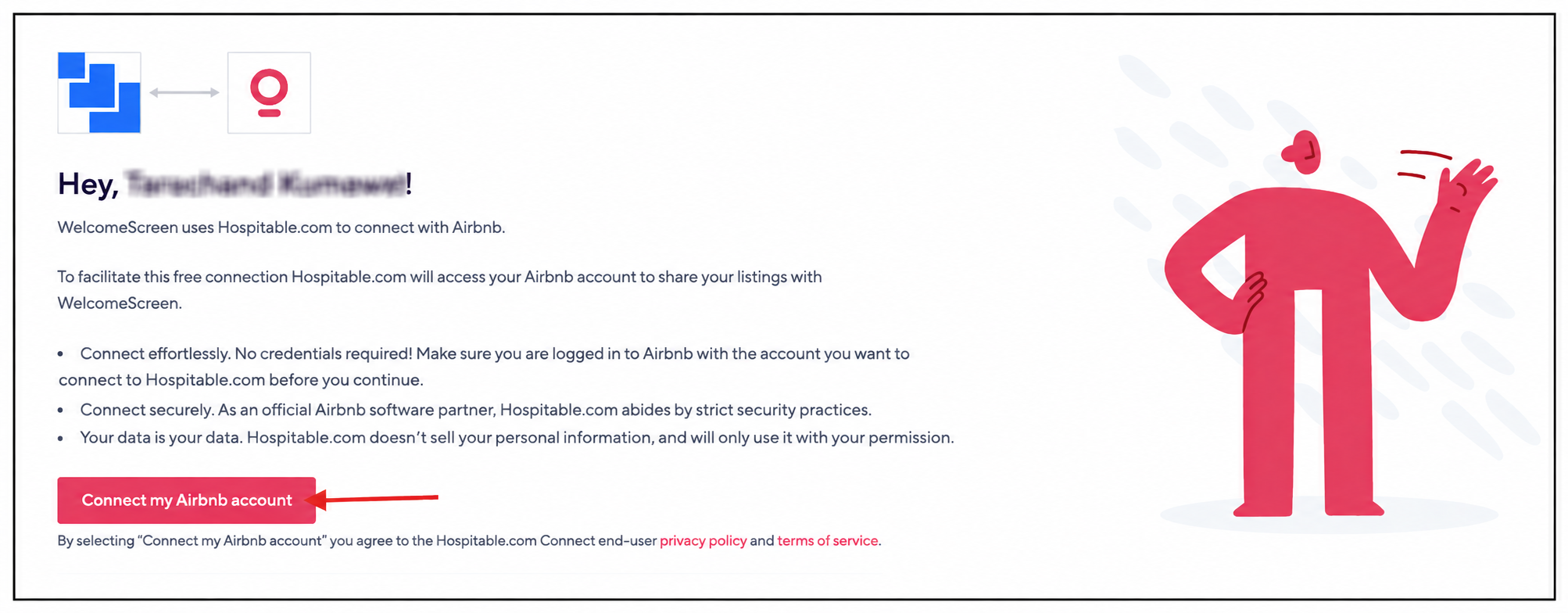
Step 5: Once you click “Connect” you will be redirected to the page shown below. Click “Connect my Airbnb Account” to begin the connection process.
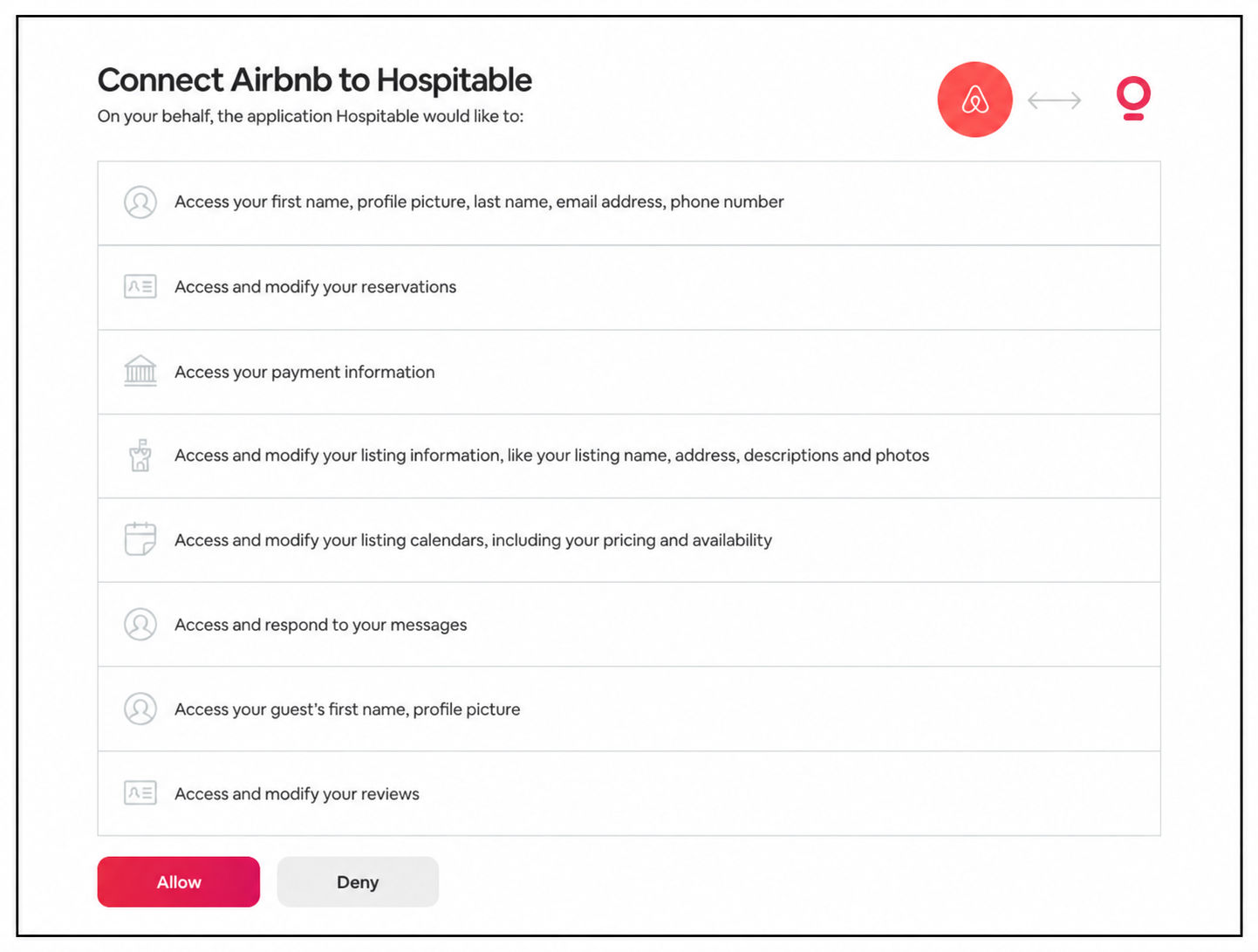
Step 6: You’ll be redirected to the Airbnb authorization page to connect your account. Click “Allow” to authorize the connection.
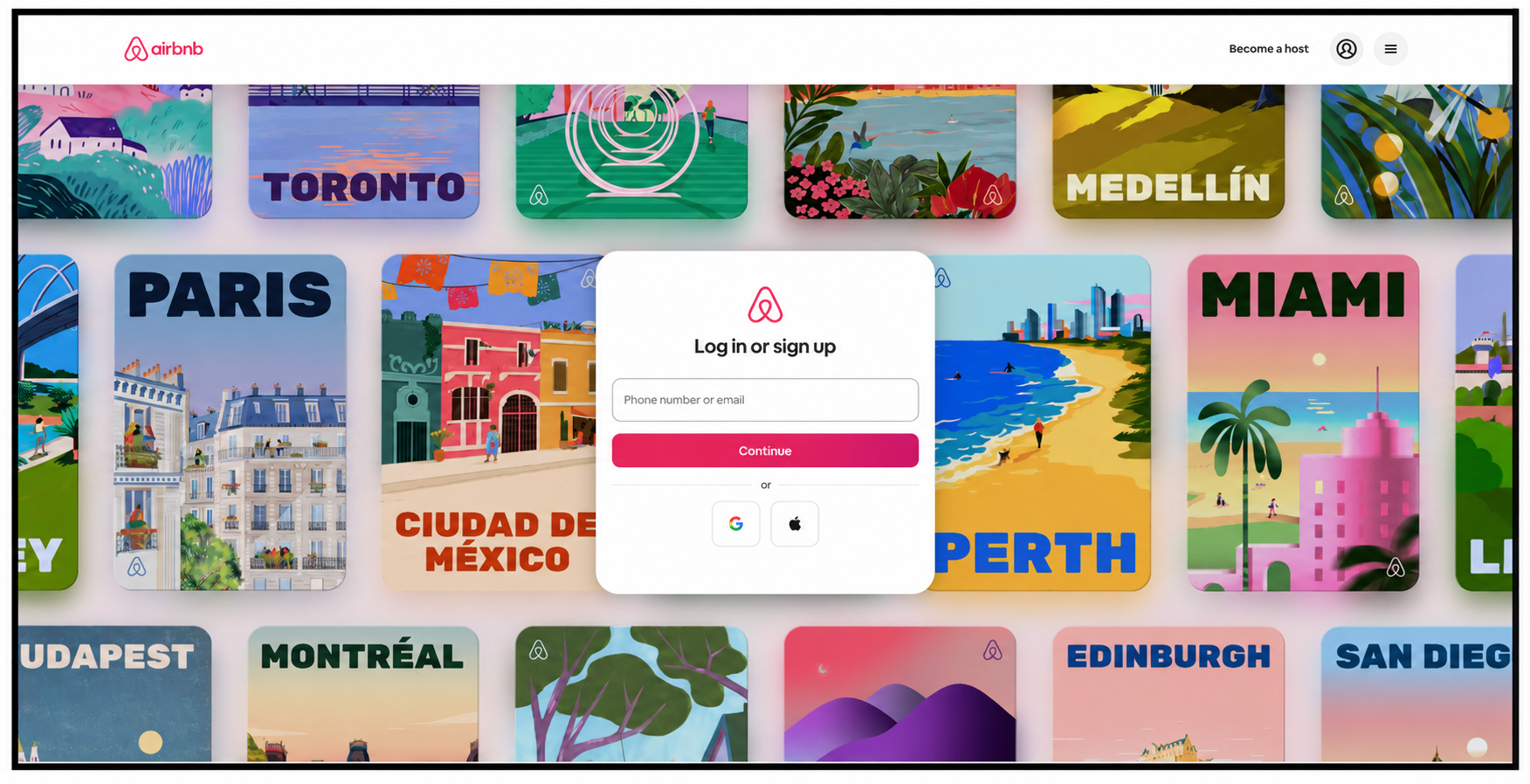
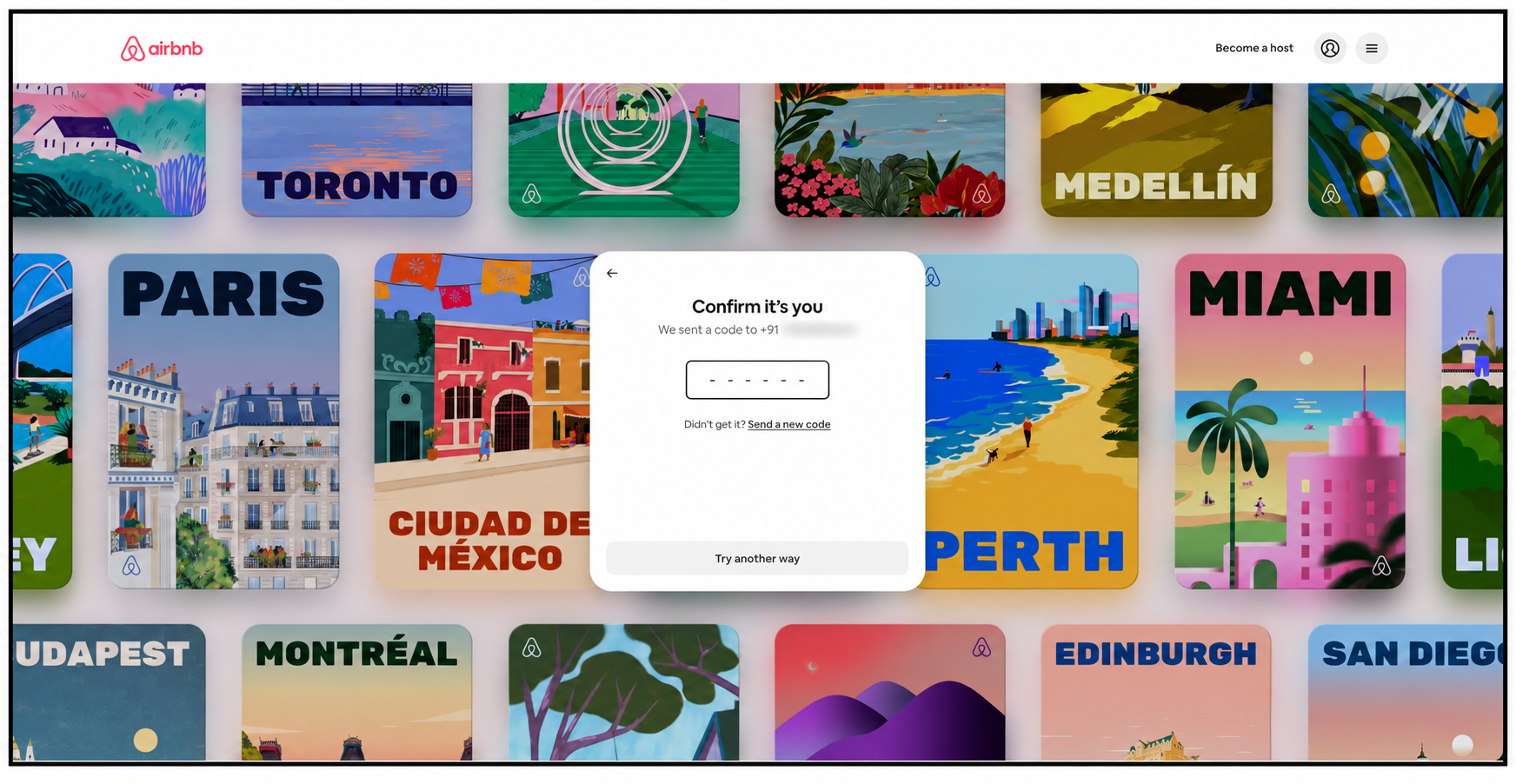
If you are not already logged in, Enter your email address or phone number and complete the verification by entering the verification code to continue.
Step 7: Great news! Your Airbnb account is now connected to WelcomeScreen. Click “Take me back to WelcomeScreen” to return to the platform and complete the integration.
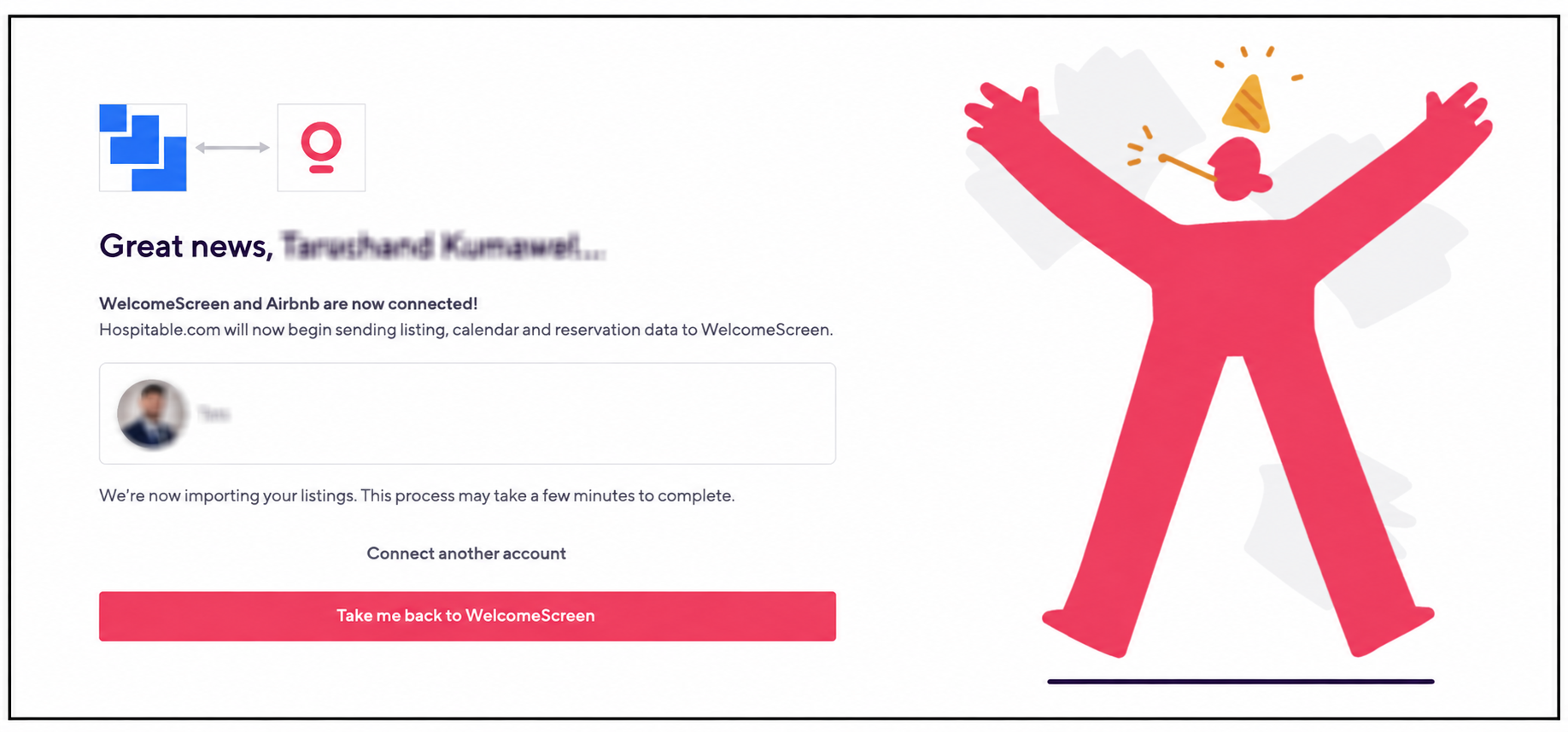
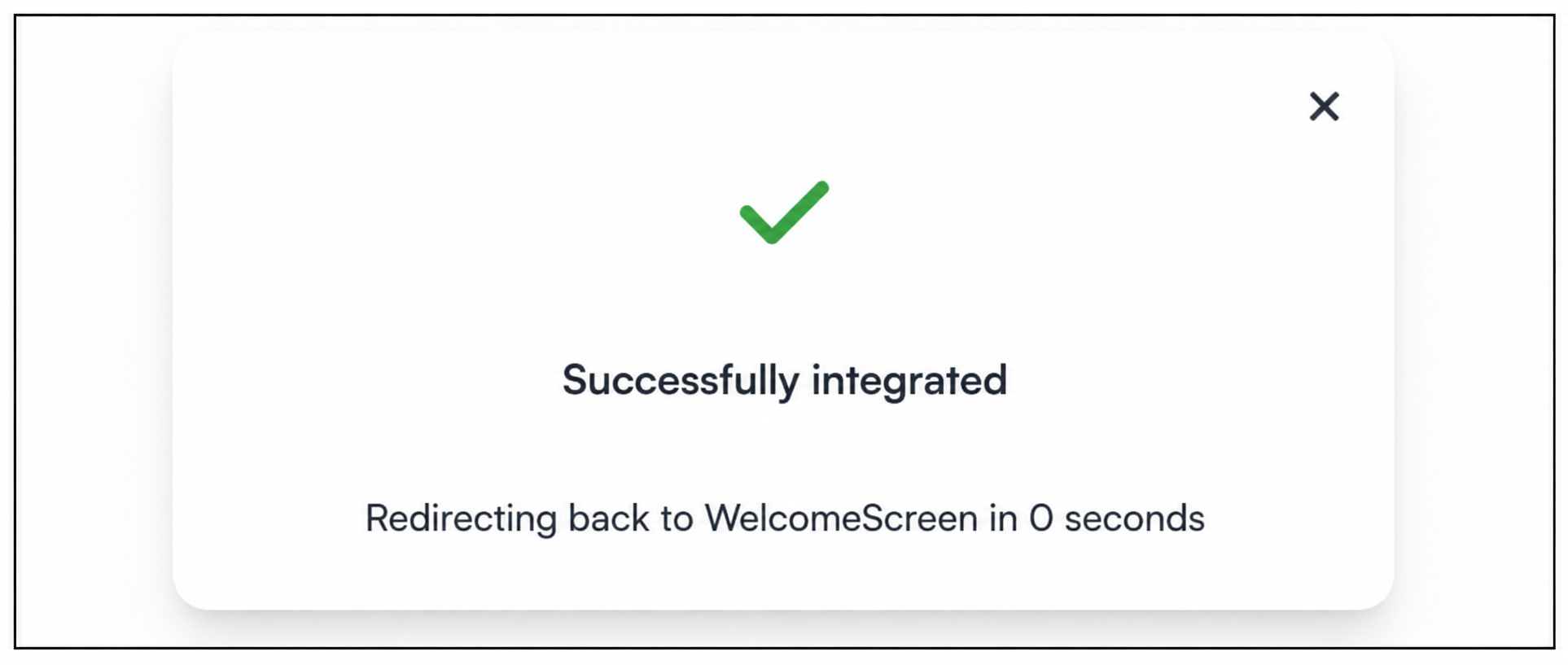
Once the connection is successful, your account will be connected and your listings and reservations will sync automatically.
If you encounter an error such as “Host not able to connect” or if the “Airbnb account is already connected”, click “Connect another Airbnb account” and continue the integration using the desired account.
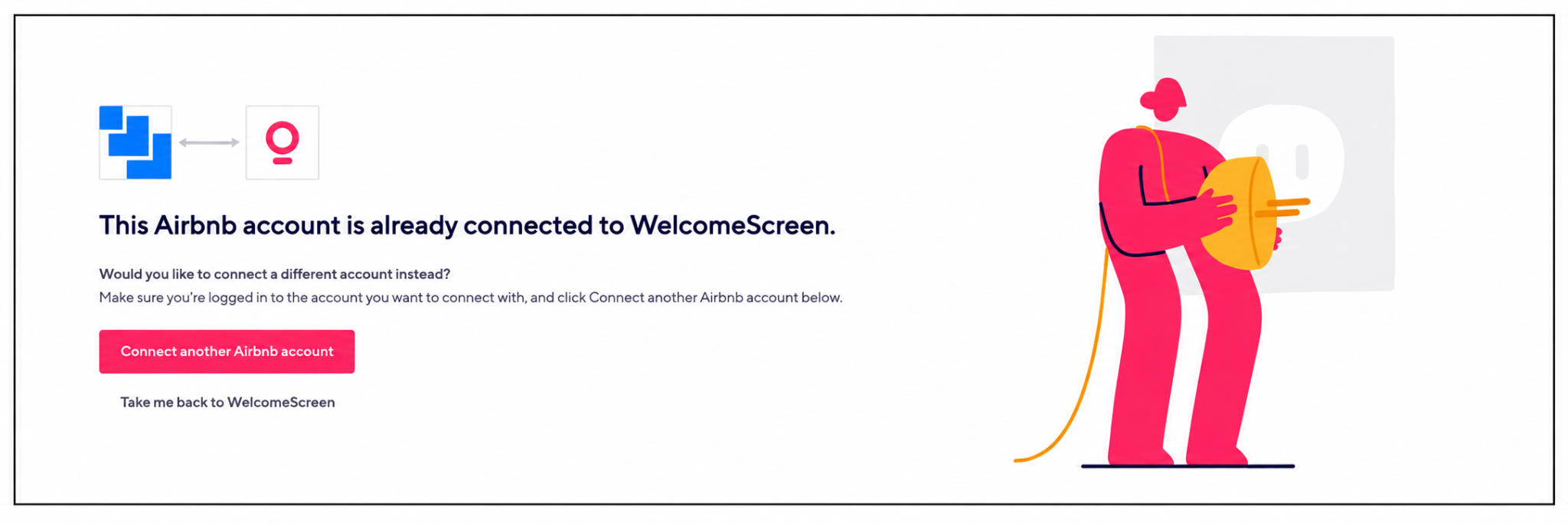
Note: Only one Airbnb account can be connected at a time. A single Airbnb account cannot be connected to multiple WelcomeScreen accounts.
If you encounter any issues or have questions, feel free to reach out at support@welcomescreen.com.


.png)